Master the Messy Grunge Art Brush
In a digital landscape often dominated by sleek vectors and polished gradients, there is a profound power in imperfection. The Grunge Art Brush emerges not just as a tool, but as a statement against the sterile uniformity of modern design. It brings the tactile, unpredictable energy of ink splatters, rough textures, and glitch aesthetics directly into the controlled environment of Adobe Illustrator. For designers, marketers, and creators who understand that emotion drives engagement, this brush offers a bridge between raw artistic expression and scalable vector precision.
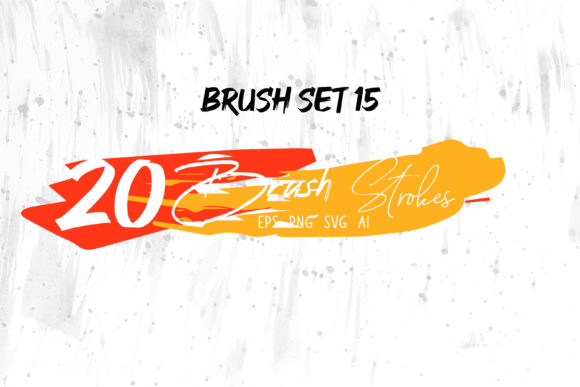
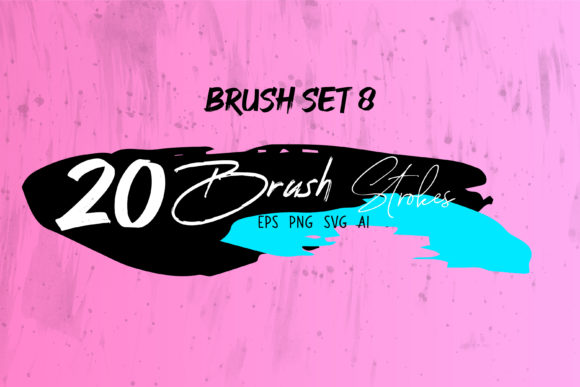
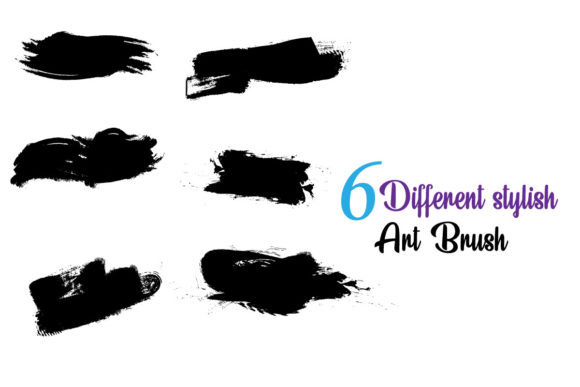
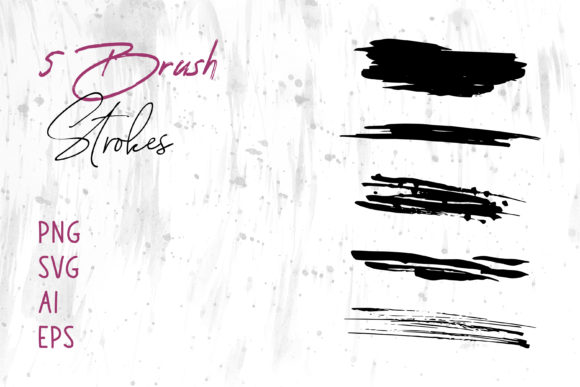
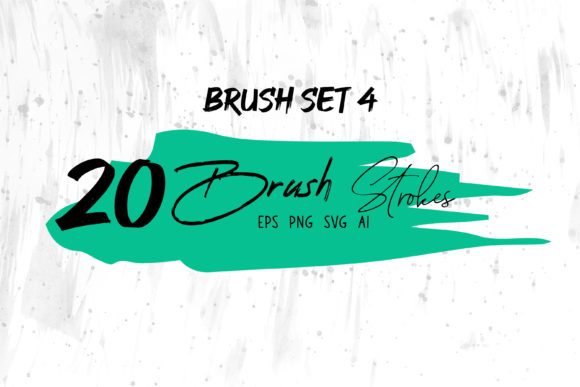
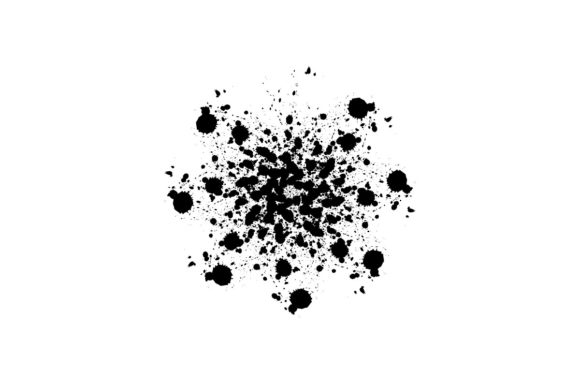
This exclusive collection is defined by its chaotic beauty. It is messy, inky, and deliberately rough, capturing the essence of street art and analog decay. Yet, unlike traditional raster-based grunge effects that lose quality when scaled, these brushes are fully editable within Adobe Illustrator. This combination of organic texture and vector flexibility makes it an indispensable asset for any project requiring depth, character, and visual impact.
The Power of Controlled Chaos in Vector Design
Many designers hesitate to introduce grunge elements into their workflow, fearing it will clutter their composition or appear unprofessional. However, the key to mastering the Grunge Art Brush lies in understanding contrast. When you place a rough, textured element against a clean, minimalist background, the grunge does not create noise; it creates focus. It draws the eye and adds a layer of authenticity that flat design simply cannot achieve.
These brushes are engineered to be glitchy and textured, mimicking the accidental beauty of a misprinted poster or a weathered wall. Because they are built for Adobe Illustrator CC, you retain full control. You are not stuck with a static image. You can expand the strokes, manipulate anchor points, and adjust the opacity to blend seamlessly with other elements. This level of customization ensures that the "messiness" serves your design intent rather than distracting from it.
Versatile Applications for Modern Creators
The utility of this brush set extends far beyond simple decoration. Its adaptability makes it suitable for a wide range of industries and creative goals. Here is how different professionals can leverage these tools to enhance their work:
- Brand Identity and Logos: For brands aiming to project rebellion, authenticity, or urban credibility, a grunge-infused logo can be incredibly effective. Think music festivals, streetwear labels, or craft breweries. The Grunge Art Brush allows you to add subtle distressing to typography, making the brand feel established and lived-in rather than new and generic.
- Social Media Marketing: In the fast-scrolling world of Instagram and TikTok, static posts need to stop the thumb. Using inky, rough textures as backgrounds or overlays adds visual weight. Marketers can use these brushes to frame product shots or highlight key quotes, creating a sense of urgency and raw energy that resonates with younger demographics.
- Editorial and Publishing: Book covers and magazine layouts benefit immensely from textured elements. A thriller novel might use glitchy, jagged brush strokes to convey tension, while a biography might use softer, inky washes to suggest history and memory. The scalability of SVG and EPS files ensures that these textures look crisp on both digital screens and printed covers.
- Packaging Design: Small business owners selling artisanal products can use these brushes to create labels that stand out on crowded shelves. A coffee bag or a candle label with hand-drawn, rough edges suggests a handmade, small-batch quality that consumers value.
Customization: Making the Brush Your Own
One of the most significant advantages of this exclusive brush set is its editability. Unlike pre-rendered PNGs or JPEGs, these assets are true vector paths. This means you are not limited to the default black ink look. You can change the color of any stroke instantly to match your brand palette. Whether you need a neon green glitch for a cyberpunk theme or a muted sepia tone for a vintage aesthetic, the process is seamless.
To keep your results clear and effective, consider these practical tips when customizing:
- Layering for Depth: Do not rely on a single brush stroke. Combine multiple instances of the Grunge Art Brush at different opacities and sizes. Layering a large, faint ink blot behind a sharp, dark glitch creates a sense of dimensionality.
- Color Harmony: While the brushes are editable to any color, avoid using too many conflicting hues. Stick to a cohesive color scheme. If your design is monochromatic, use the grunge texture to provide variation in tone rather than hue.
- Scale Appropriately: Because these are vector files, you can scale them infinitely. However, ensure the level of detail matches the viewing distance. A intricate, glitchy pattern might look stunning on a poster but could become visual noise on a mobile banner. Simplify the usage for smaller formats.
Technical Compatibility and Workflow Integration
For freelancers and agencies working within tight deadlines, file compatibility is crucial. This Grunge Art Brush package includes Adobe Illustrator CC files, along with SVG and EPS formats. This ensures that whether you are working in the latest version of Illustrator or handing off files to a printer who prefers EPS, you are covered.
The inclusion of SVG files is particularly valuable for web designers and developers. SVGs are lightweight and resolution-independent, meaning your grunge textures will load quickly on websites and remain sharp on retina displays. You can integrate these textures into web backgrounds, hero sections, or interactive elements without sacrificing performance.
Furthermore, because the brushes are editable, they integrate smoothly into existing workflows. You can combine them with standard Illustrator tools like the Pathfinder, Shape Builder, or Blend Tool. This allows for complex compositions where grunge elements interact with geometric shapes, creating a hybrid style that is both modern and raw.
Achieving Consistency in Organic Design
A common challenge when using organic, messy tools is maintaining consistency across a project. How do you ensure that your social media posts, website headers, and print flyers feel like part of the same family? The answer lies in establishing a "texture language."
Select three to five favorite brush strokes from the set and designate them as your core elements. Use these specific shapes repeatedly throughout your campaign. By reusing the same underlying forms but changing their color, rotation, or placement, you create a recognizable visual thread. This approach prevents the design from feeling random or disjointed. It transforms the Grunge Art Brush from a novelty into a structured design system.
Additionally, consider the balance between positive and negative space. Grunge elements thrive when they have room to breathe. Crowding too many textured elements together can result in a muddy, unreadable design. Allow the white space (or background color) to act as a canvas that highlights the roughness of the ink and glitches.
Final Thoughts on Creative Freedom
The Grunge Art Brush is more than a download; it is an invitation to break the rules of perfect digital design. It empowers creators to inject soul, history, and emotion into their work. Whether you are a seasoned graphic designer looking to refresh your style or an entrepreneur building a brand from scratch, these tools provide the flexibility and quality needed to stand out.
By embracing the messy, inky, and rough characteristics of this brush set, you tap into a visual language that feels human in an increasingly automated world. Use it wisely, customize it boldly, and let the imperfections tell your story. With Adobe Illustrator CC compatibility and versatile file formats, the only limit is your imagination. Start experimenting today, and discover how controlled chaos can elevate your next project.